01
Answer
Lisa engages visitors in a real conversation and answers the questions they came with.
Lisa picks up on the first ring, talks like one of your own dispatchers, and gets the job on your calendar — day or night, whether you're on a roof or under a sink.
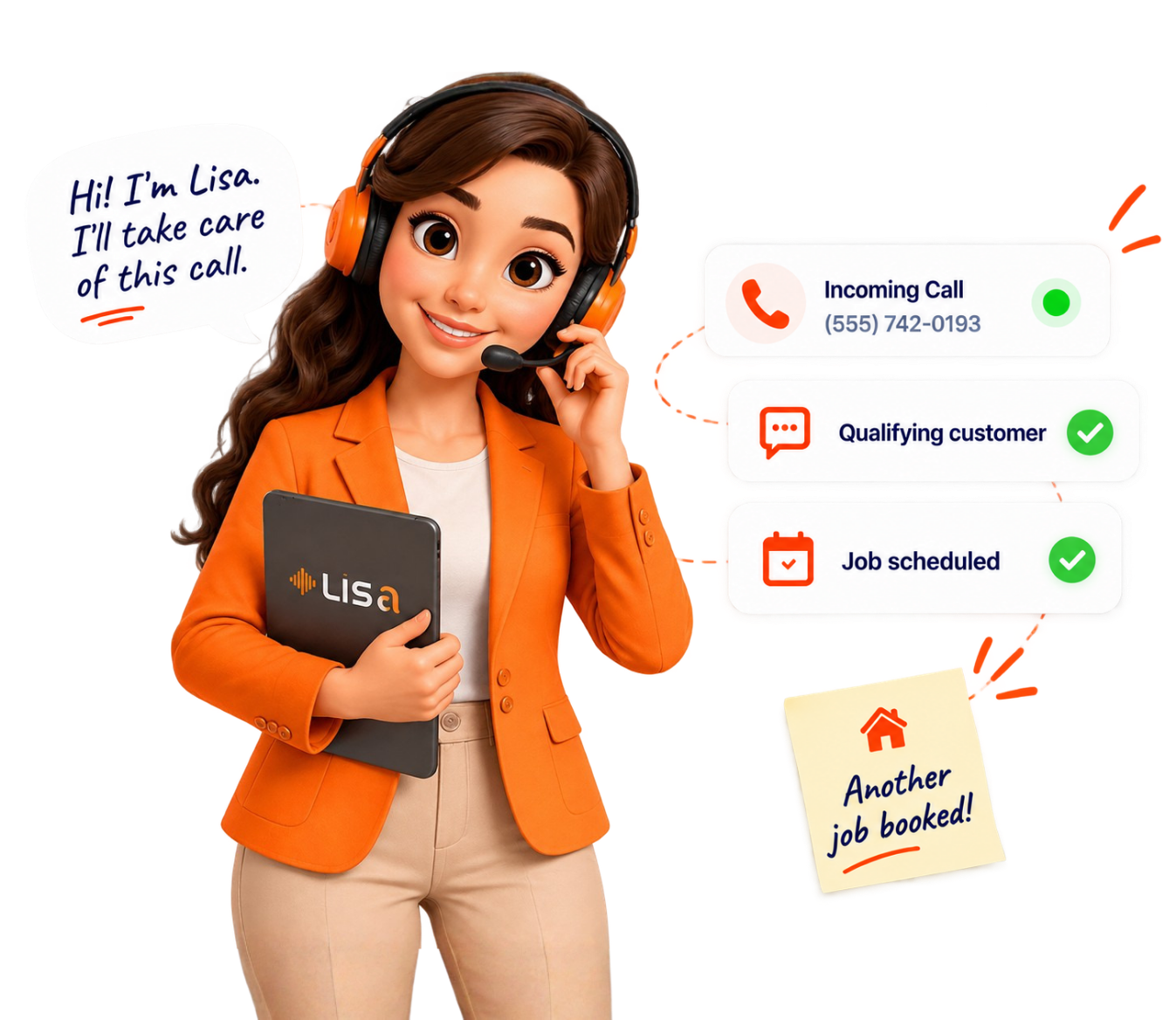
You're already paying for attention. SEO, Google Ads, social media, content, local listings, and referrals — all of it works to get someone to click through to your site. Then they land on the page and ask a simple question: "Can you help me?"
If the only things waiting for them are a navigation menu, a contact form, a phone number, and a generic FAQ page, a lot of them just leave. Not because they weren't interested. Because nobody answered fast enough.
AI website chat lets a visitor type a question directly on your site and get a real, conversational answer — instead of scrolling through pages hoping to find it themselves.
Lisa's version isn't a standalone gimmick. It's built as part of the same system that answers your phone, replies to texts, qualifies leads, and books appointments. So a question that starts on your website can end with a name on your calendar — using the same logic your phone answering already runs on.
A plain FAQ page just sits there hoping the visitor finds the right paragraph.
An AI chatbot for website conversations does the opposite: it asks and answers, back and forth, until the visitor actually gets what they came for.
Lisa engages visitors in a real conversation and answers the questions they came with.
The conversation gathers the details that matter: what service they need, where they're located, and what they're trying to get done.
Lisa checks the inquiry against the requirements you set, so you know which conversations are worth a callback.
Where it's configured, Lisa can guide a qualified visitor toward booking an appointment — not just say, "We'll be in touch."
This is the same visitor-to-appointment path that runs through Lisa's Lead Qualification and Appointment Booking tools — just starting from your website instead of your phone.
Here's what a real exchange looks like on a business's site.
Most website visitors are asking one of these:
Lisa — this AI customer service chatbot built for service businesses — answers what's already been configured for your business. Anything outside that scope gets routed to your team instead of guessed at.
Not every website message deserves the same follow-up. A website chat for a lead generation tool is only useful if it tells you which conversations actually matter.
Instead of treating every message the same, Lisa uses the questions your business defines to figure out whether an inquiry is worth your team's time. That's the same job Lisa's AI lead qualification chatbot function performs on your phone calls — now running on your website too.
Not every visitor is ready to buy, and that's fine. What matters is knowing the difference. As an AI lead capture chatbot, Lisa separates a serious inquiry about a specific job from someone just browsing — so your team spends its time on the conversations worth having.
Explore Lead QualificationA website conversation doesn't have to end with "someone will contact you." When a visitor is qualified and ready, Lisa can help move that conversation toward an appointment on your calendar.
Generic answers make a business feel generic. Lisa gets configured around what's actually true for you.
That's what separates a real AI website chatbot from a script that just repeats your homepage back to visitors.
Website visitors don't show up on a schedule. They land on your site early in the morning before your team's in, late at night after a long shift, on weekends, on holidays, and during the exact busy stretch when your phone is already ringing off the hook.
The question that matters is simple: what happens when someone wants help right now, and it's not during business hours? With Lisa configured for 24/7 engagement, that visitor still gets a response instead of a closed tab.
"Do you provide this service?"
Lisa answers from configured business details.
"Do you serve my area?"
Lisa checks against your defined service area.
"How much does this cost?"
Lisa shares what's been approved to share.
"When can someone help me?"
Lisa moves the conversation to the right next step.
"I need an estimate for my home."
Lisa gathers details and qualifies the request.
"Can I schedule an appointment?"
Lisa qualifies, then books where configured.
Home service businesses live and die by how fast they respond to a new inquiry. Here's where AI website chat fits by trade.
Answer service and availability questions, and move relevant visitors toward the next step.
Engage visitors with plumbing questions the moment they land on your site.
Start the project conversation before the visitor calls a competitor instead.
Collect the initial project details so your team isn't starting from zero.
Engage visitors looking for electrical work, day or night.
Help visitors navigate service-related questions before they book elsewhere.
Start conversations with potential clients who are still comparing options.
Your contact form isn't going anywhere, and it shouldn't. AI website chat just gives visitors another way to reach you the moment they're ready, instead of only when they're willing to wait.
Lisa is a first-response layer, not a replacement for your team.
That balance is exactly what an AI chat for business website needs to work in the real world — not a bot pretending to replace your whole team.
You don't need a web developer or an IT department to run this. Lisa is set up as an AI website chat for small business owners who are busy running jobs — not managing software.
Visitors get a way to interact beyond scrolling and clicking away.
Answers arrive without waiting on a team member to see a form submission.
More of your existing traffic turns into an actual conversation.
You learn what a visitor needs earlier — not after a wasted callback.
Qualified visitors get moved toward your calendar.
Conversations can happen outside business hours where configured.
Most website chatbots recite FAQ answers and stop there. Lisa is built to do more.
Real back-and-forth exchanges — not paragraph lookups.
Uses the requirements your business defines from the start.
Moves qualified visitors toward your calendar where configured.
Not a generic script echoing your homepage.
Phone, text, and website chat working together — not three separate tools.
The clearest proof isn't a number — it's watching the conversation happen. Try the interactive demo above, or ask about a sample chat transcript, before/after conversion examples, and case studies as they become available.
Answer a few quick questions to see what your website traffic might be worth.
Could better website conversations create more opportunities for your business?
Calculate My Potential ROINo setup fee. No long-term contract.
30-Day Booking Guarantee: if Lisa doesn't book at least one qualified appointment within your first 30 days, you get that first month refunded.
This is a booking guarantee, not a promise about website traffic, conversions, or revenue. It's specifically about getting a qualified appointment on your calendar.
Everything you need to know about Lisa and how she turns your website visitors into qualified appointments.
Our team is here to help. Schedule a quick demo and we'll walk you through how Lisa works on your website.
See Lisa in ActionGive them a reason to start a conversation instead of clicking away. See how Lisa answers questions, qualifies inquiries, and helps move the right visitors toward an actual appointment.
Heritage Kitchens · Dallas